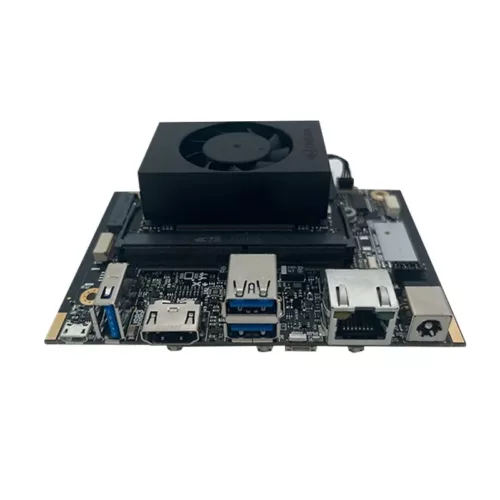
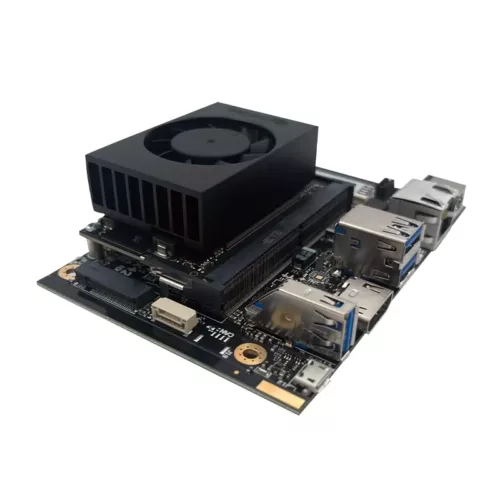
When the J202 Carrier Board is used with the Jetson Nano module, the M.2 E port (Wi-Fi) and CAN bus cannot be used.
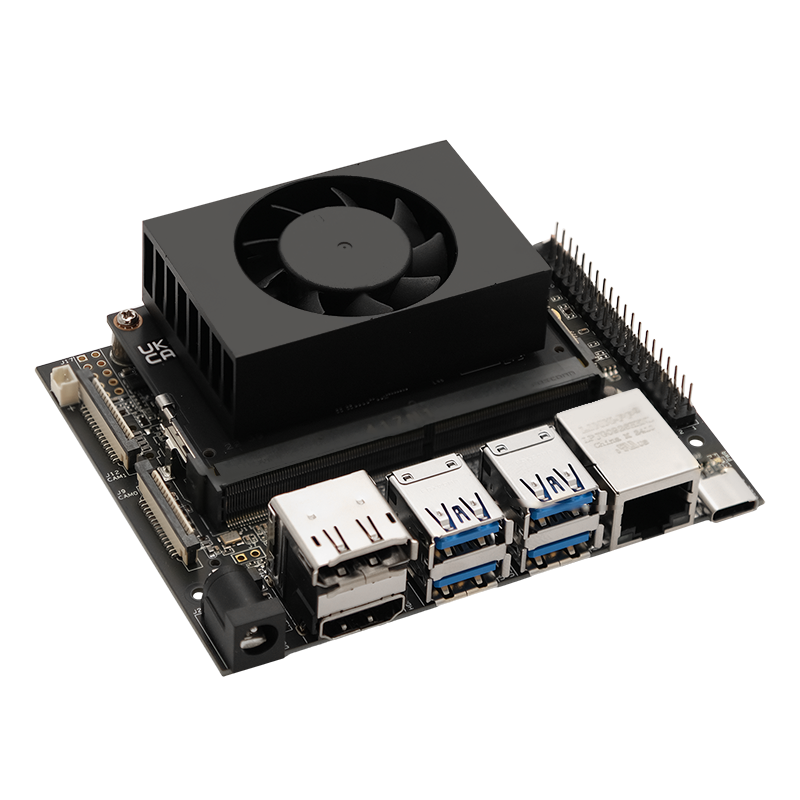
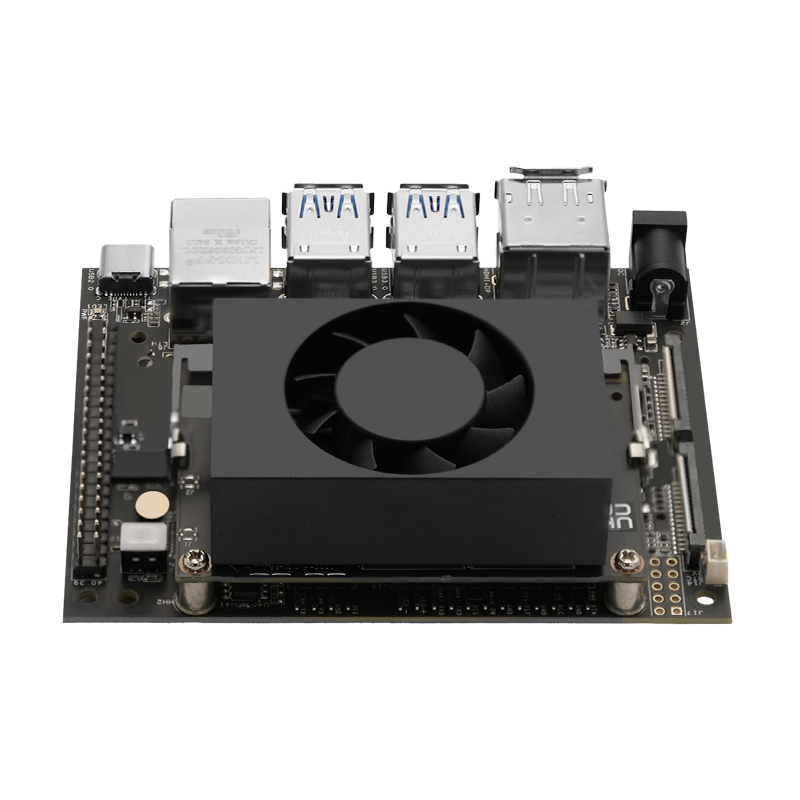
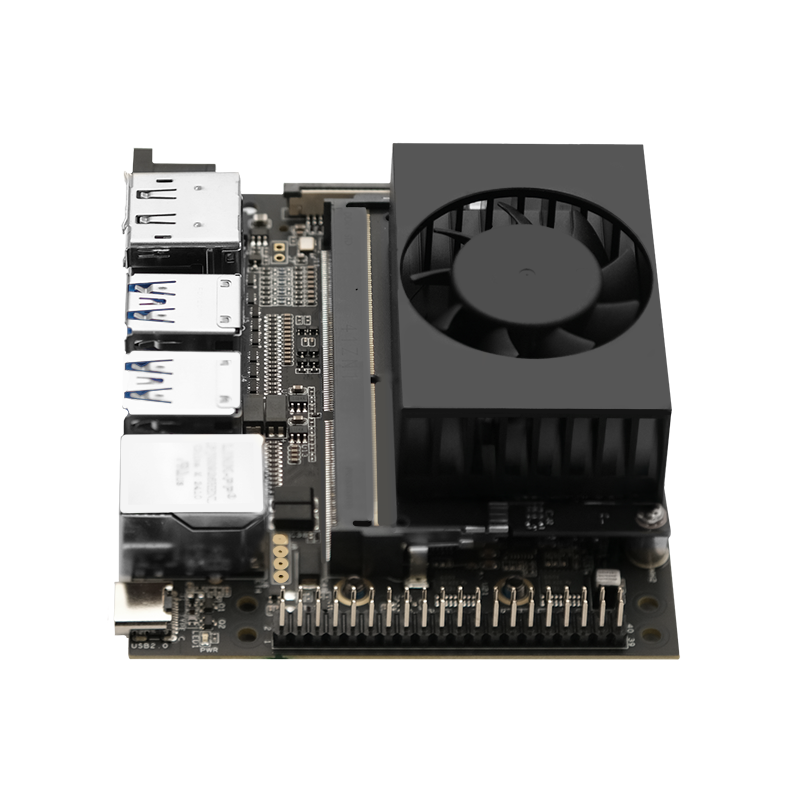
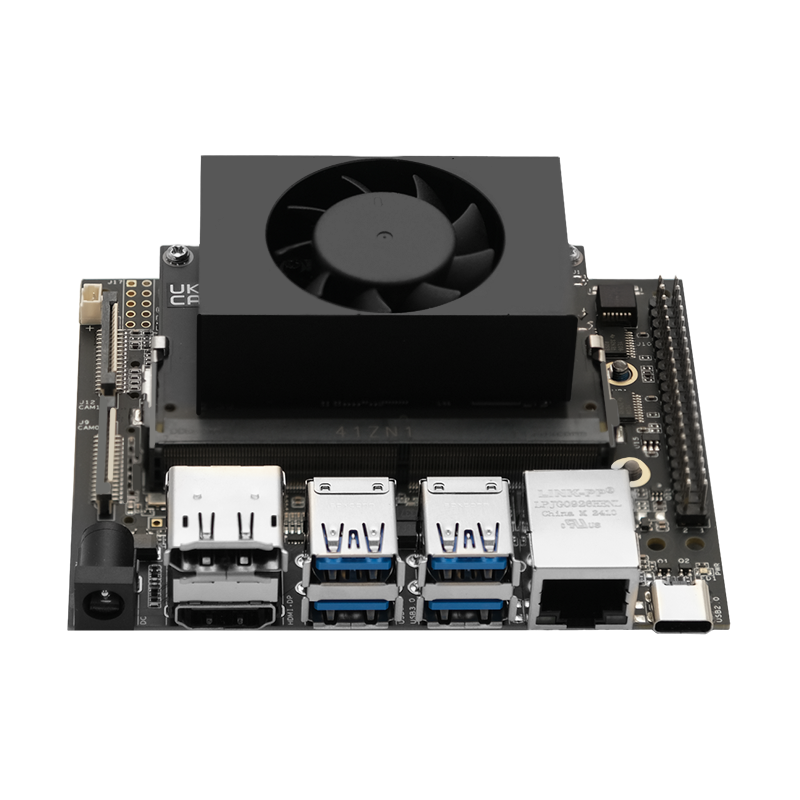
J202 NVIDIA Jetson Nano Ready-to-Use AI Kit
Out of stock

- Description
- Brand
- Carrier Board Specifications
- J202 Guide
- Jetson Nano Modul DataSheet
- What’s in the Box
- Setup
- Resources
Description
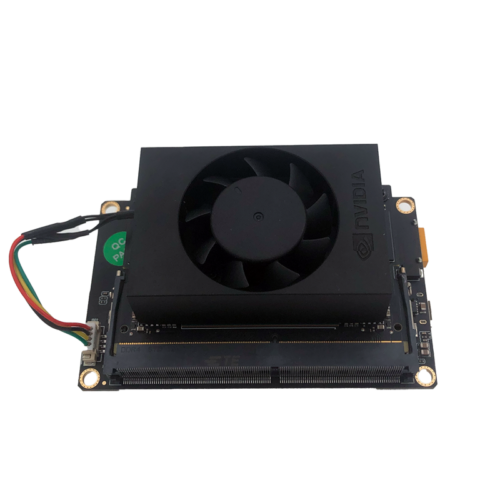
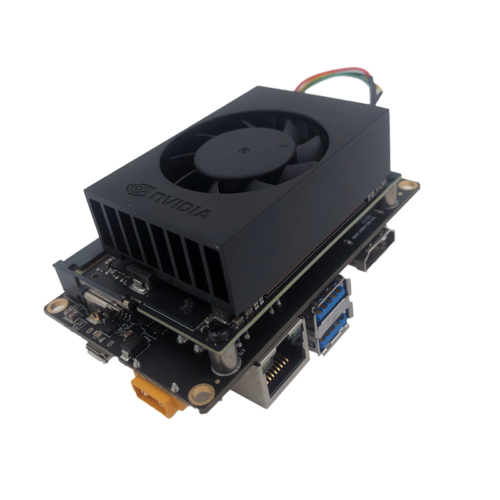
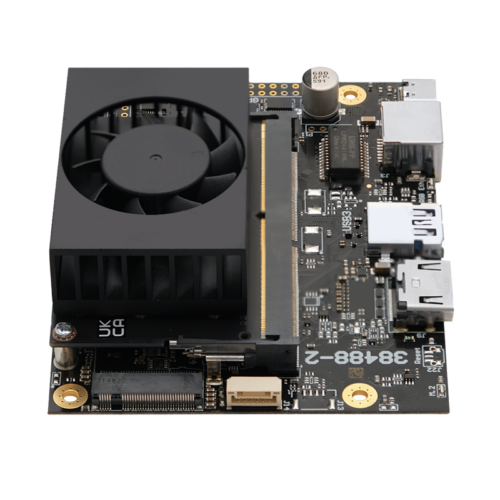
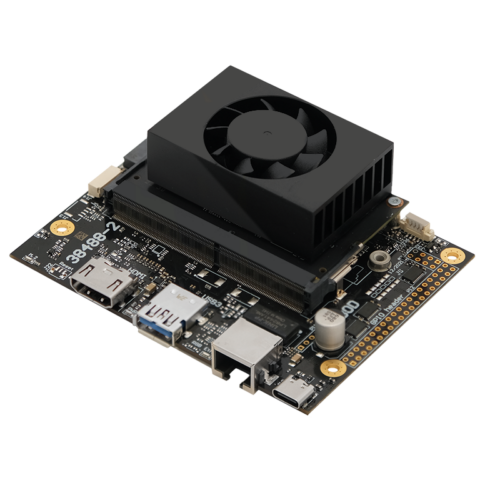
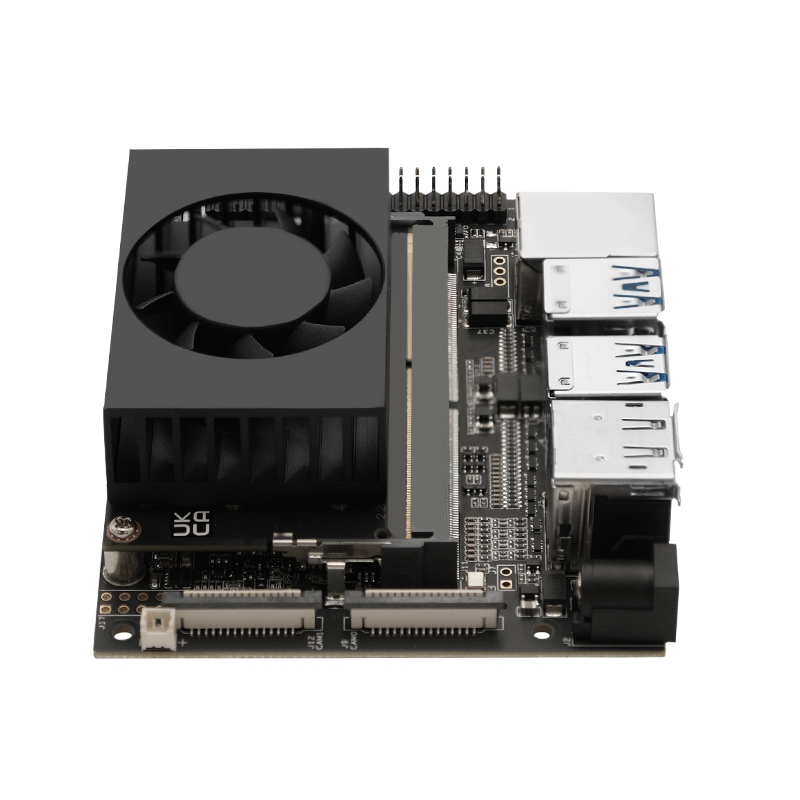
reComputer J202 is a high-performance, interface-rich carrier board compatible with NVIDIA Jetson Nano / Xavier NX / TX2 NX. It has the same functional design and dimensions as the carrier board in the NVIDIA® Jetson Xavier™ NX Developer Kit.

Hardware Overview

Brand
Seeed
Carrier Board Specifications
| Module Compatibility | Jetson™ Nano/Xavier NX/TX2 NX |
| PCB Size | 100mm*80mm |
| Display | 1* HDMI+1* DP |
| CSI Camera | 2* CSI |
| Ethernet | 1* Gigabit Ethernet (10/100/1000M) |
| USB | 4* USB 3.1 Type-A (10Gbps for NX, 5Gbps for Nano) |
| M.2 Key M | 1* M.2 Key M |
| M.2 Key E | 1* M.2 Key E |
| FAN | 1* Fan Connector |
| CAN | 1* CAN |
| Multifunctional Port | 1* 40-Pin, 1* 12-Pin |
| RTC | RTC 2-pin, RTC socket |
| Power Requirement | 12V/5A(Barrel Jack 5.5/2.1mm) |
J202 Guide
Jetson Nano Modul DataSheet
What’s in the Box
- 1 x Jetson Nano Module
- 1 x J202 Carrier Board
- 12V/5A Power Adapter (Optional, power cord not included, adapter only)
Setup
You can access the setup files provided by the board manufacturer via the links below.
If you would like the product setup and testing to be carried out by OpenZeka engineers, you can select the setup service when purchasing the product. Customers who did not select the setup service at the time of purchase and were unable to complete the setup afterwards can purchase the after-sales setup service. For this service, please send an email to [email protected].